FAQ
Frequently asked questions
How Course Vaults scores work, what it takes to rank on the leaderboard, and how to contribute as a golfer.
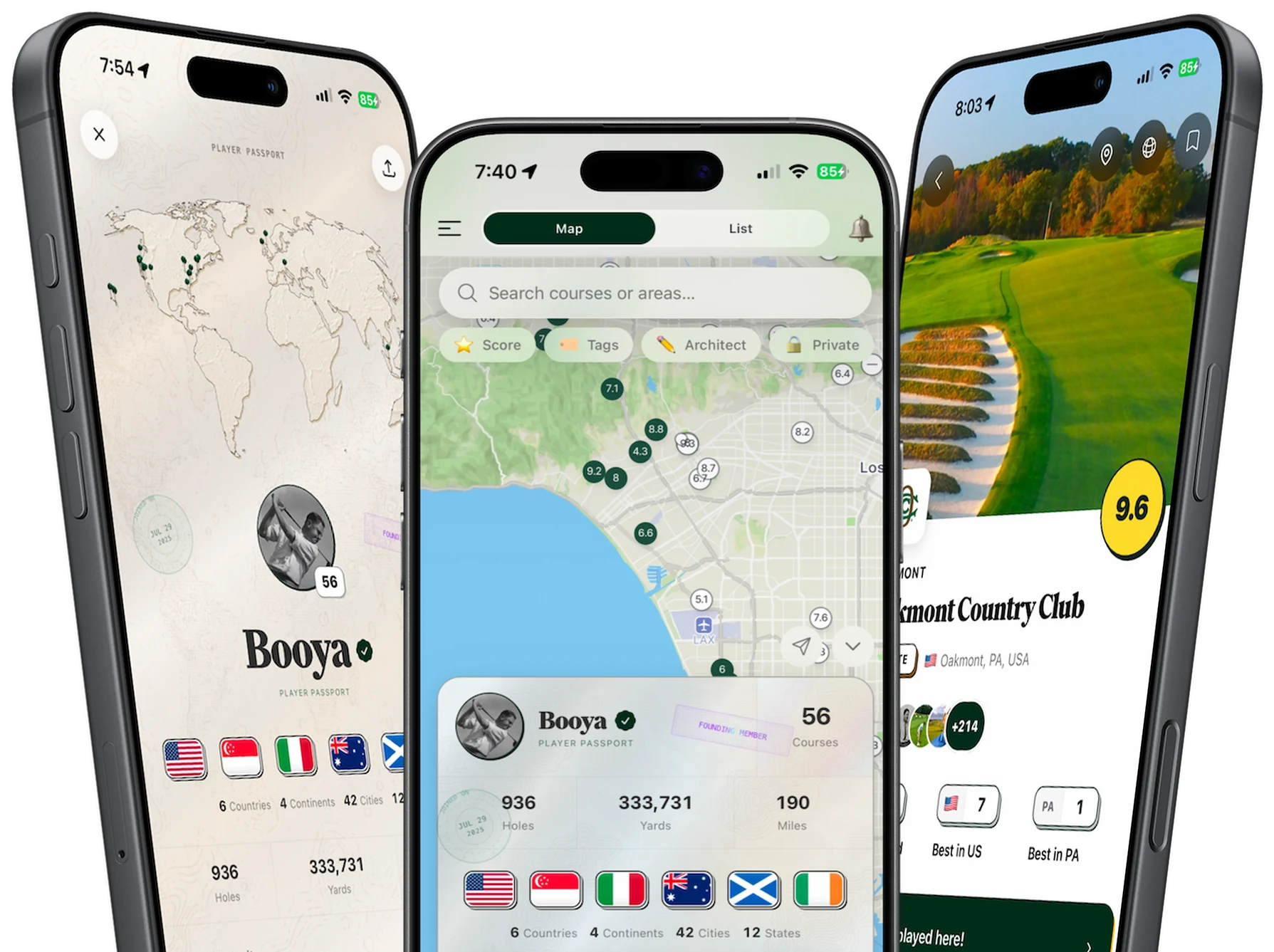
Course Vaults is a golf course memory app. Members log rounds, rate courses on a 0–10 scale, leave optional reviews and photos, follow friends, and build a passport of everywhere they have played.
The CV score is the community average of explicit star ratings golfers leave after playing a course, shown on a 0–10 scale. It reflects real logged rounds from Course Vaults members—not editorial list rankings.
A course publishes a live CV score after at least 3 explicit ratings from Course Vaults golfers. Written reviews are optional; each member's star rating counts toward that minimum.
A course needs at least 5 explicit ratings before it appears on the public Top Courses leaderboard (global or filtered by country and region). Courses with 3–4 ratings can show a CV score on their course page and map, but they are not ranked until they reach 5.
Ranked courses are sorted by CV score (highest first). When you filter by country or region, only courses in that area that meet the minimum rating count are included.
A course can publish a CV score after 3 explicit ratings, but the Top Courses leaderboard requires at least 5. Until a course reaches 5, you may see its community score on the course page or map without a public rank.
Download the Course Vaults iOS app, log in, mark a course as played, then add your star rating. You can optionally attach review text, subscores, tags, and photos. Ratings from the community feed the CV score and leaderboard.
No. Course Vaults rankings reflect aggregated ratings from golfers who use the app. They are useful for peer perspective and trip research but are not official handicap, USGA, or legacy media list positions.
Course Vaults is available on the App Store for iPhone. Use the download links on our homepage or visit coursevaults.com from your phone to open the store listing.
Looking for a golf courses played tracker? See how the Course Vaults passport works.